Contract Redlining Software for PDF & Word
Automatic contract comparison with PDiff –
see changes in seconds* instead of hours.
Ideal for law firms, compliance teams and companies with high contract volume.
 |
 |
 |
 |
| Precise, deterministic document comparison without AI hallucinations. | Compare contracts in seconds. | 100% on-premise. No cloud. Full data control. |
PDF, Word & Scans (mit OCR). |
Why automate contract redlining?
Comparing contracts manually is time-consuming, error-prone and expensive.
Small changes can cause big legal risks –
especially with complex contracts and many versions.
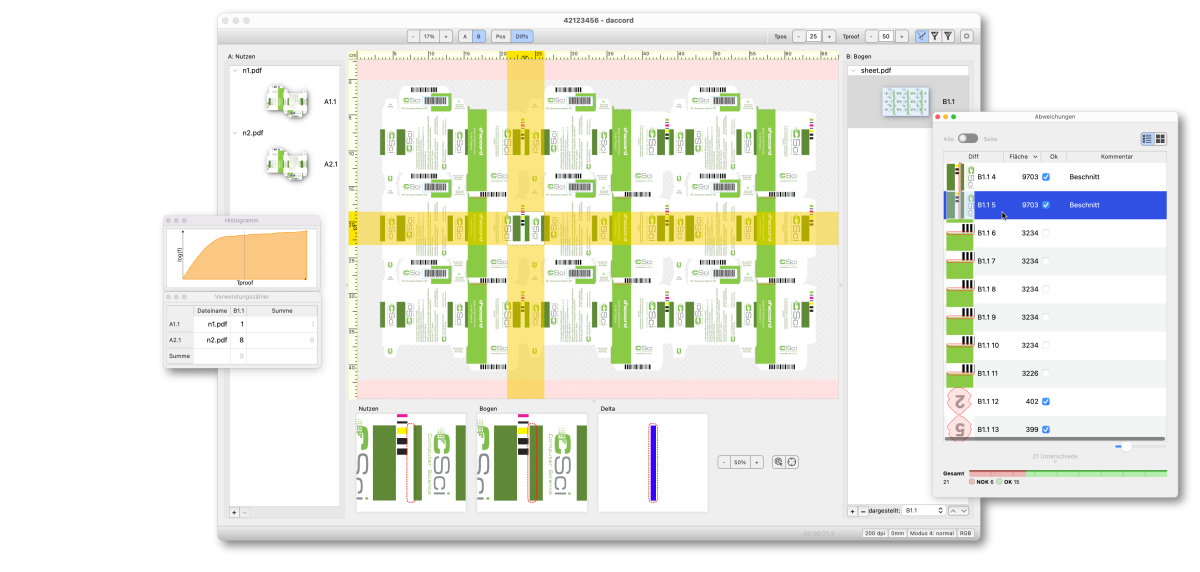
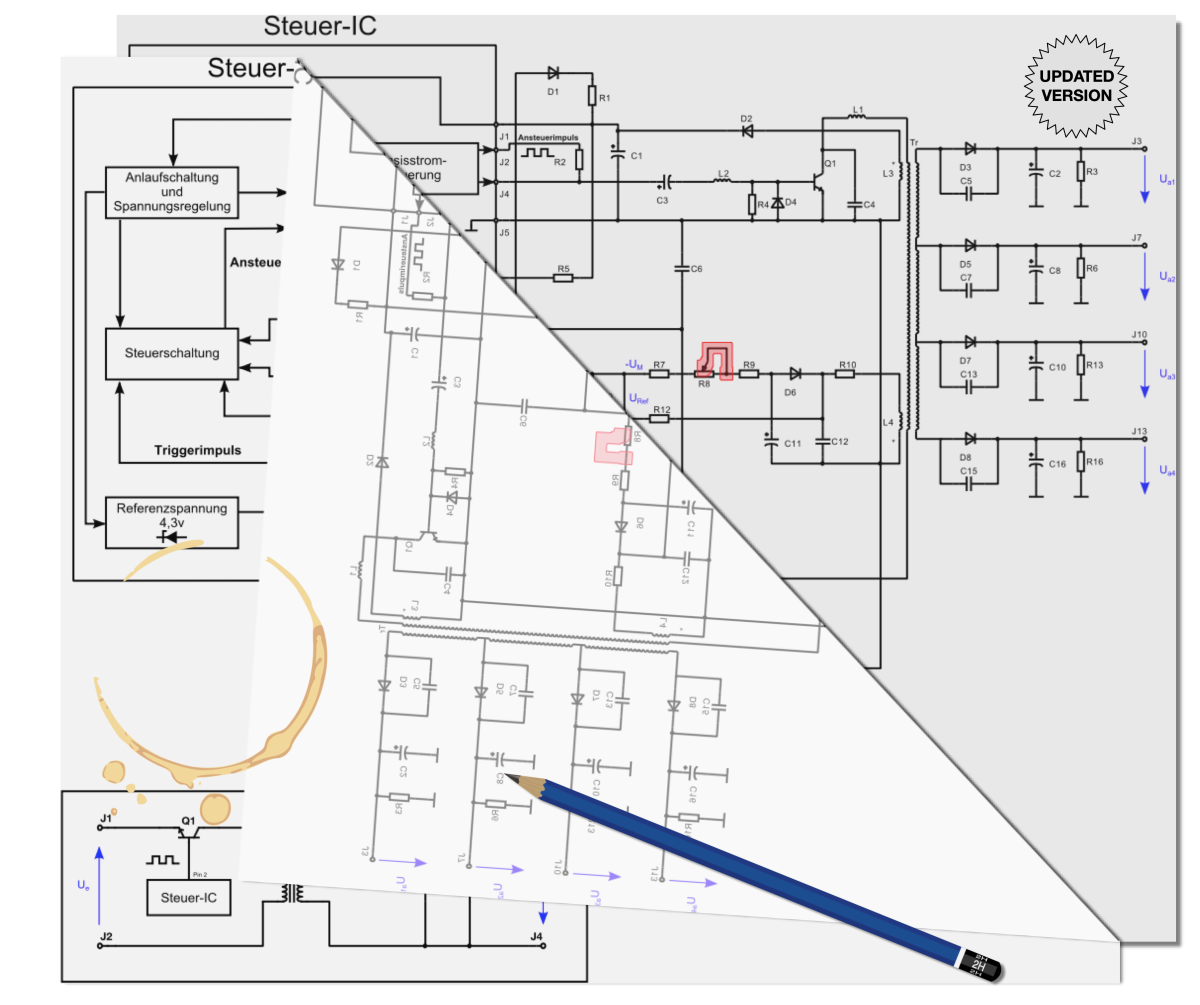
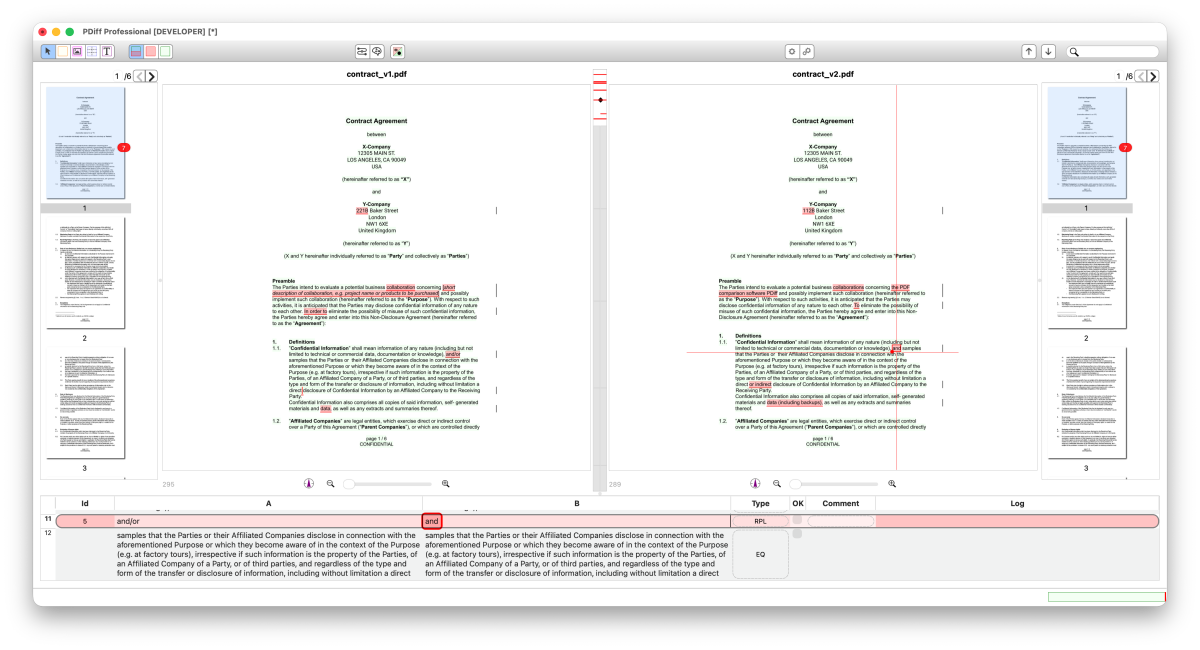
PDiff automates contract redlining and immediately highlights differences between contract versions.
Why is deterministic important?
- Complete change detection at character, word and layout level
- Reproducible results for audit and revision
- No black box models, no AI hallucinations
- On-premise deployment for sensitive contract data
- What is contract redlining?
- What contract redlining involves (for lawyers)
- Advantages of automatic contract redlining with PDiff
- Contract redlining in comparison: PDiff, Adobe Acrobat, AI tools and manual verification
- How to redline contracts with PDiff
- What users say about PDiff and contract redlining
- Redlining vs. comparison software (how the two work together)

PDiff allows us to quickly compare large documents and saves us a lot of work. No law firm should be without this tool.Dr. Mark-Oliver Otto, Lawyer/Managing director, KWR | Kanzlei für Wirtschaftsrecht Rechtsanwaltsgesellschaft mbH, Germany
What is contract redlining?
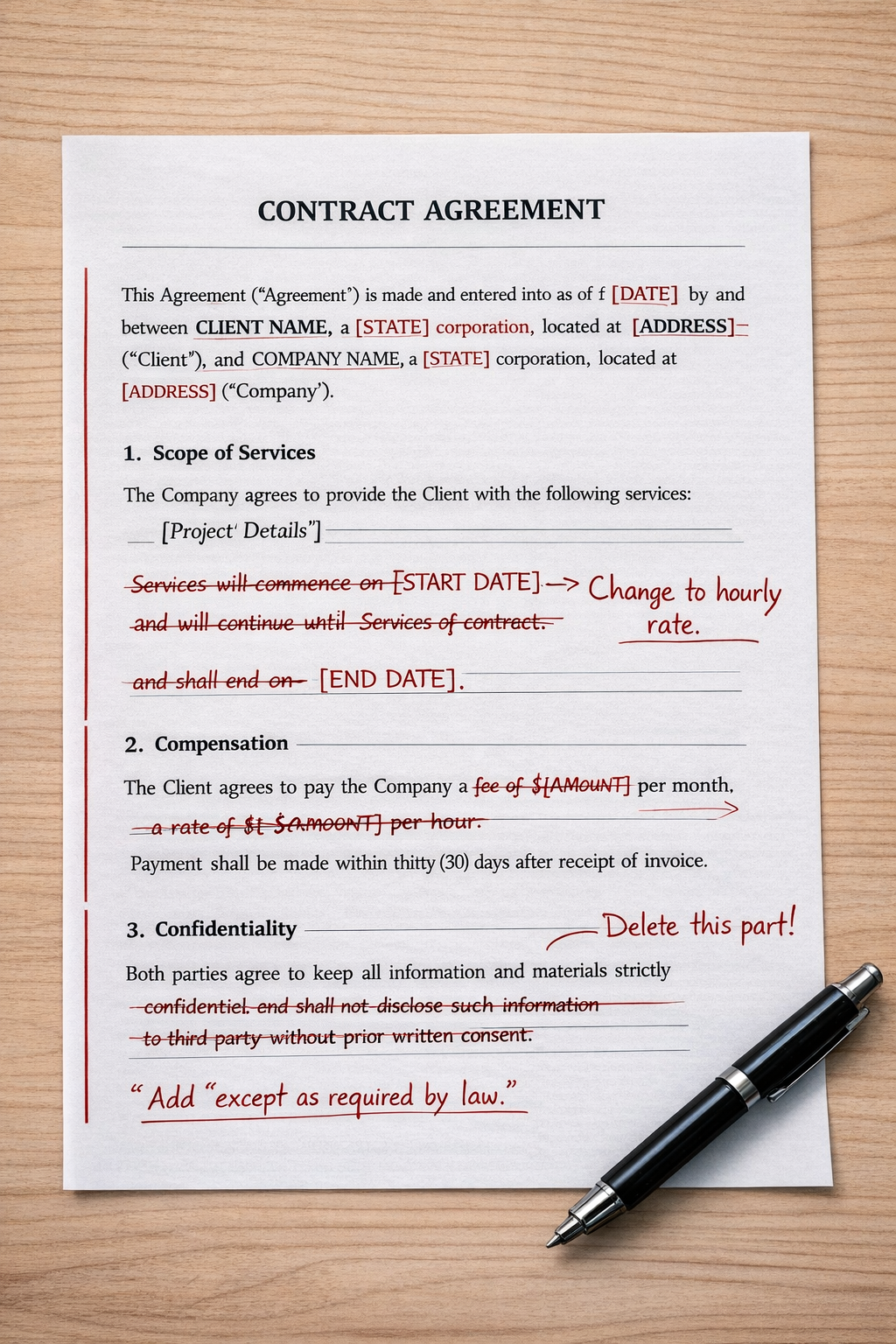
Contract redlining (in legal practice) is the process of reviewing, marking up, and revising a contract to reflect negotiated changes, flag risks, and align the document with a client’s legal and business positions.
The term redlining derives from the classic practice of correcting draft contracts on paper with a red pen.
Typical areas of application:
- Contract negotiations
- M&A Due Diligence
- Compliance Audits
- Procurement & Supplier Contracts
- Regulatory documentation
Think of it as the lawyer’s way of saying:
Yes, but — only if we change these parts.
Advantages of automatic contract redlining with PDiff
Contract comparison software (or document comparison software) automatically compares two or more contract versions and highlights differences — much faster and more reliable than a manual review.
Manual comparison and AI Tools are error-prone, especially when:
- Changes are subtle (a single word like “may” → “shall”)
- Clauses are reordered
- Definitions are tweaked
- Definitionen leicht verändert wurden
As a deterministic comparison tool, PDiff finds every textual change, even the smallest.
Instead of eyeballing two 50-page agreements:
- The software instantly highlights every change
- Lawyers focus on judgment, not hunting for edits
Your confidential data remains on your computer. Your documents are never transmitted over the internet.
In addition, a speed factor: The calculations take place completely locally. You benefit directly from the computing power of your workstation.
Further information can be found here:
 Cloudless – Your data belongs to you!

PDiff helps you to:
- Track changes, add comments and OK checkmarks including log (who & when)
- Store comparison histories
- Integrate with document management systems
This is particularly important in regulated areas or in high-risk mandates.

Clean, accurate comparisons:
- Make it easier to explain changes to clients
- Reduce disputes over “what actually changed
- Build trust with counterparties
With PDiff you can compare different formats:
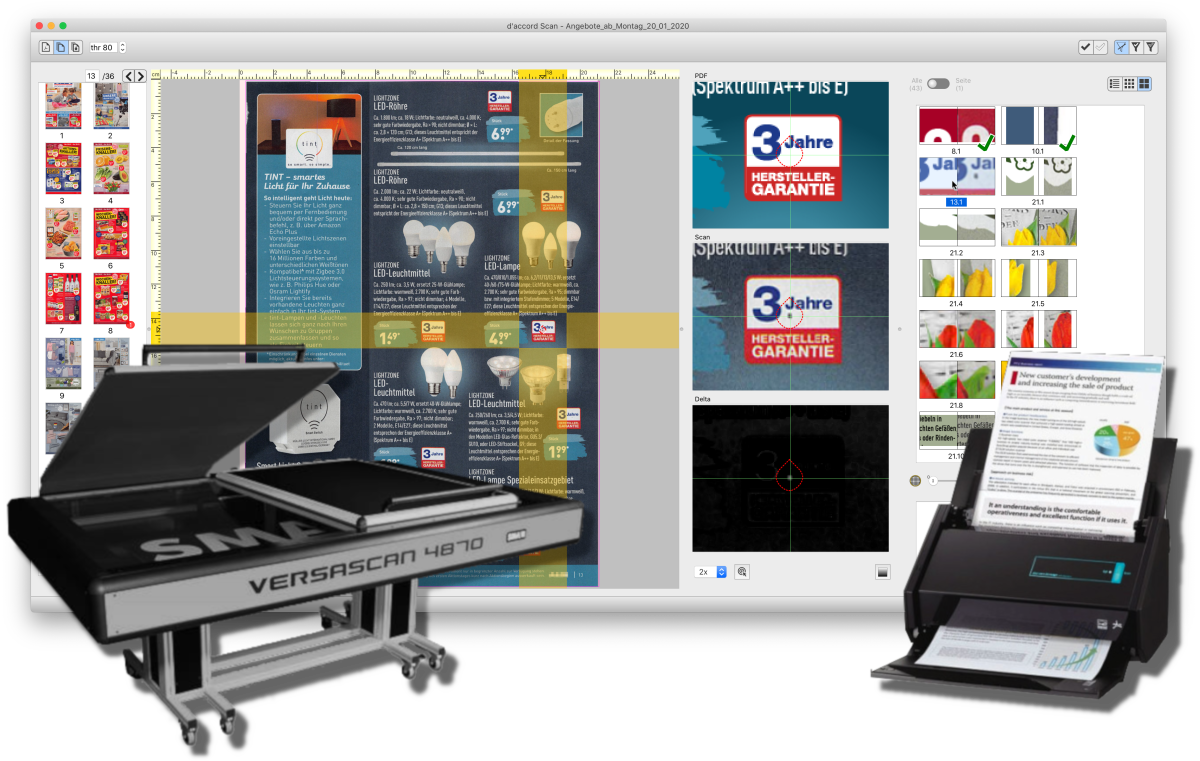
- PDF ↔ PDF (even scanned documents, with OCR)
- Word ↔ PDF
- Word ↔ Word
How to redline contracts with PDiff
The workflow with PDiff is very simple:
- Insert documents (PDF, Word, …)
- PDiff analyzes the content with precise comparison technology
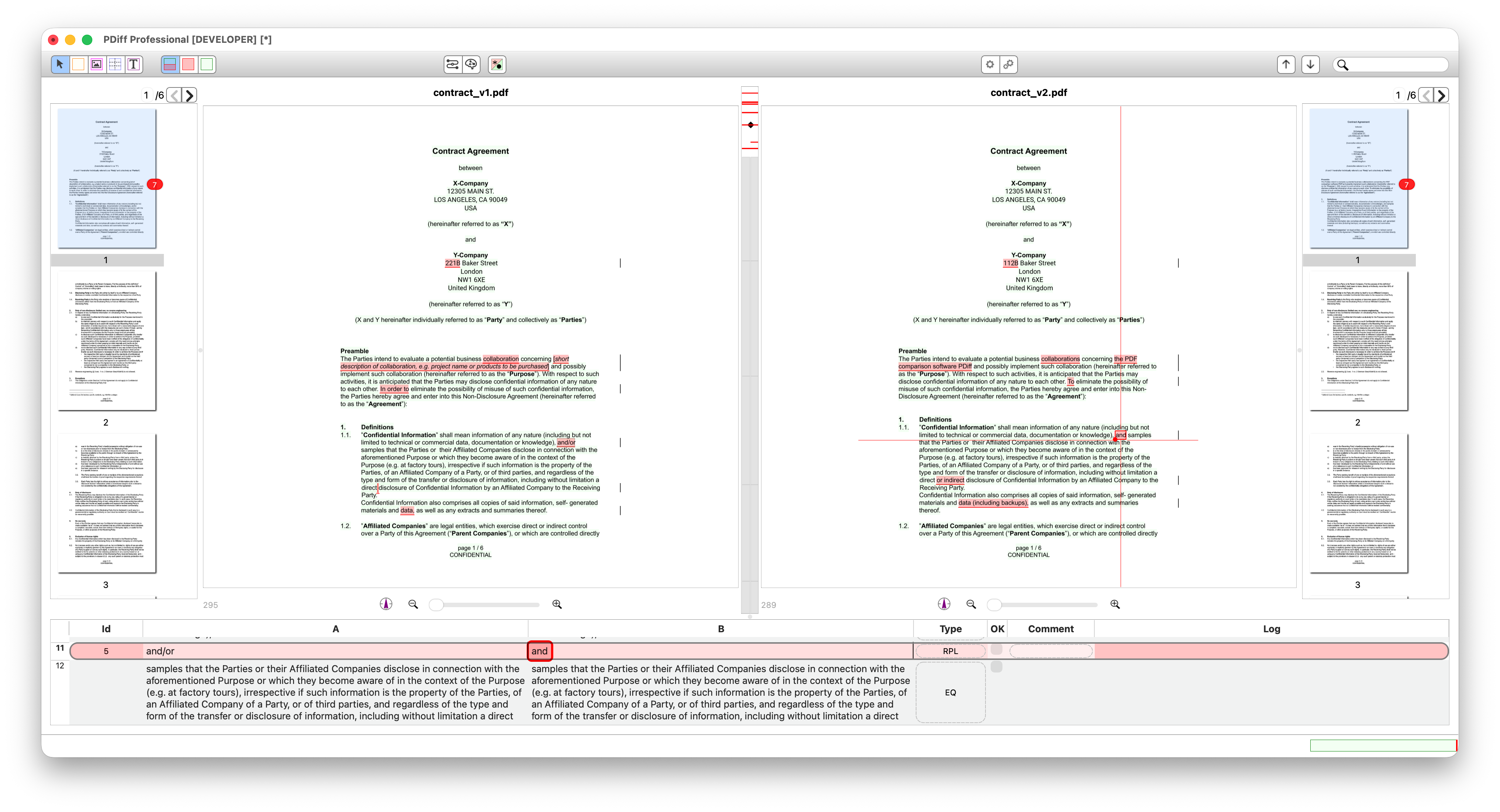
- Differences are visually highlighted and documented
- Comments and audit logs support approval processes
Result: A complete, comprehensible change report.
For more details: see Step-by-step instructions including screencast.

PDiff brings a great support and relief to our everyday work which we do not want to miss.Rainer Minderlein, Regulations Editorial Board, WEKA MEDIA GmbH & Co. KG, Germany
The thing is we, lawyers, exchange documents in PDF (for instance trial documents) where the changes from a previous version are ONLY indicated with a line in the margin along the paragraph or the section of the paragraph that has been changed. That is, no change in the text itself appears (no sign of deletion or insertion, or otherwise; merely a vertical line in the margin showing that something has been changed). The reason is to keep the document easily readable without a markup in the text.
It is a practice common to lawyers worldwide. The addressee of the document checks the areas where the other party signalled a change and sees what is new or changed to be taken into consideration for his reply.
It would be great. No one does it.
Word has the document comparison function and then you can export to PDF and set preferences so that only the lateral line appears. It works but you cannot number paragraphs and courts ask to number them. When the document includes numbered paragraphs Microsoft somehow keeps the old numbering even though the change was accepted and the document showing the changes is a mess.
Adobe Acrobat does not have this function (comparison of PDFs with changes solely in the lateral bar). The only system that seems to have it is Litera, but you have to take the whole system with AI and plenty of functions that I do not need […]. The price is irrelevant to me, but I do not want to have the whole software and generally speaking I am not fond of Microsoft products (I am on Mac though I have Office 365 (Word, Excel, …) for Mac to exchange with other lawyers).
It’s great to have it in PDiff now!
Best,
(Lawyer from Paris, France)
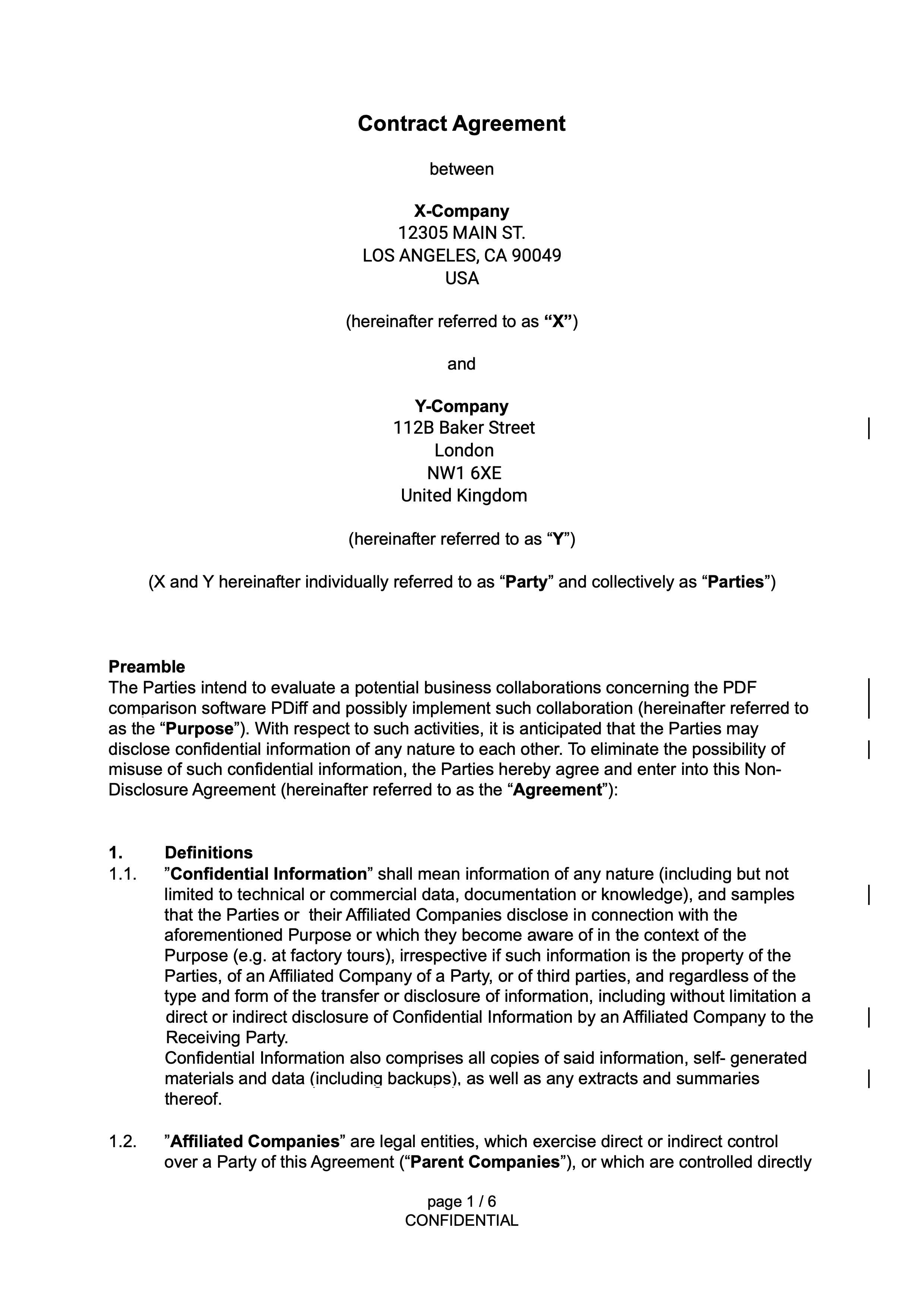

PDiff fully meets our requirements. The tool compares PDF files quickly and clearly, even if the layout is completely different. The software is easy to install and easy to use. In addition, the support is quick and helpful.Maja Demir, Product Owner Document Management, akf bank GmbH & Co KG, Germany
| Redlining | Comparison software |
|---|---|
| Substantive legal judgment | Mechanical detection of changes |
| Negotiation strategy | Accuracy and speed |
| Requires expertise | Requires computation |
| Answers "Should this change be accepted?" | Answers "What changed?" |
In short, this comparison leads to the following procedure in practice:
Best practice
 |
 |
|
| Let software find the differences | → | Let lawyers decide the outcome |
PDiff 3.8.1 released
| PDiff
The new version PDiff 3.8.1 has been released. New features in this release of the text-based PDF comparison solution are among others: …
PDiff 3.8 released
| PDiff
The new version PDiff 3.8 has been released. New features in this release of the text-based PDF comparison solution are among others: …
PDiff 3.7.8 released
| PDiff
The new version PDiff 3.7.8 has been released. New features in this release of the text-based PDF comparison solution are among others: …
Compare PDF: 10 insider tips how to get the best results
Our 10 insider tips are the condensate from years of work in the field PDF comparison and the feedback from renowned customers in all industries. We are happy to share this secret knowledge with you.